
Are you looking for an effective way to engage with your website visitors and encourage them to reach out to you? Look no further than the Contact Form widget in Buttonizer! This powerful feature allows you to create custom forms and fields, making it easy for visitors to get in touch with you.
Personalize Contact Form with any field type
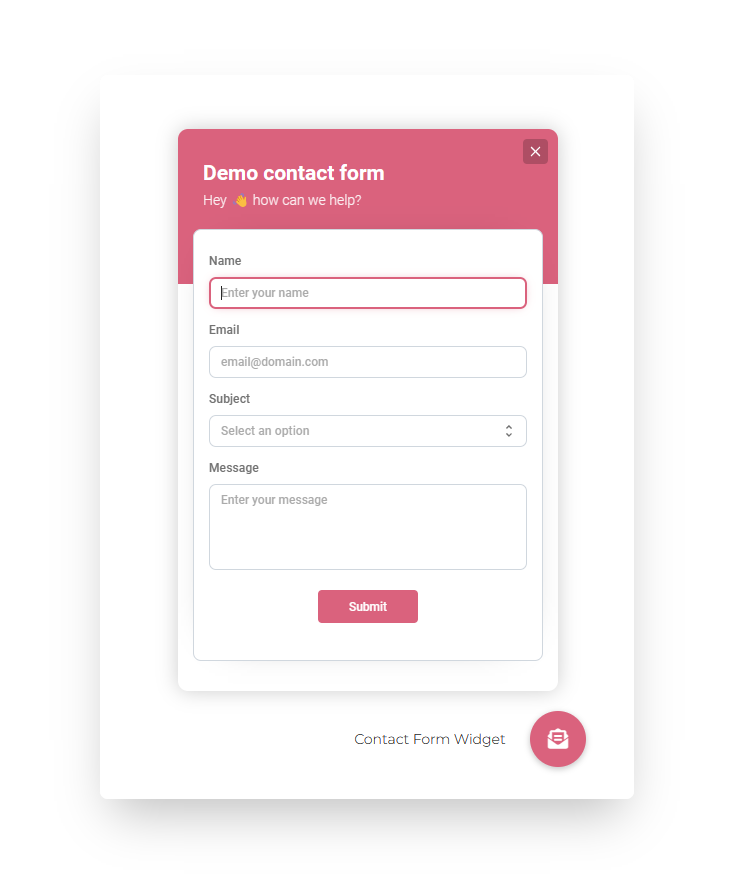
The Contact Form widget supports various field types, including email, phone number, URL, text fields, text areas, select options, and checkboxes. You can customize the form to fit your specific needs and capture the information you require from your visitors.
Go crazy with webhooks
Not only can you collect important data, but the Contact Form widget also offers the option to set up custom webhooks. These webhooks are triggered after form submission, allowing you to integrate Buttonizer seamlessly with your existing systems or workflows. With webhooks, you can send form submissions to external services, automate processes, or even personalize your email responses.
Receive emails on form submission
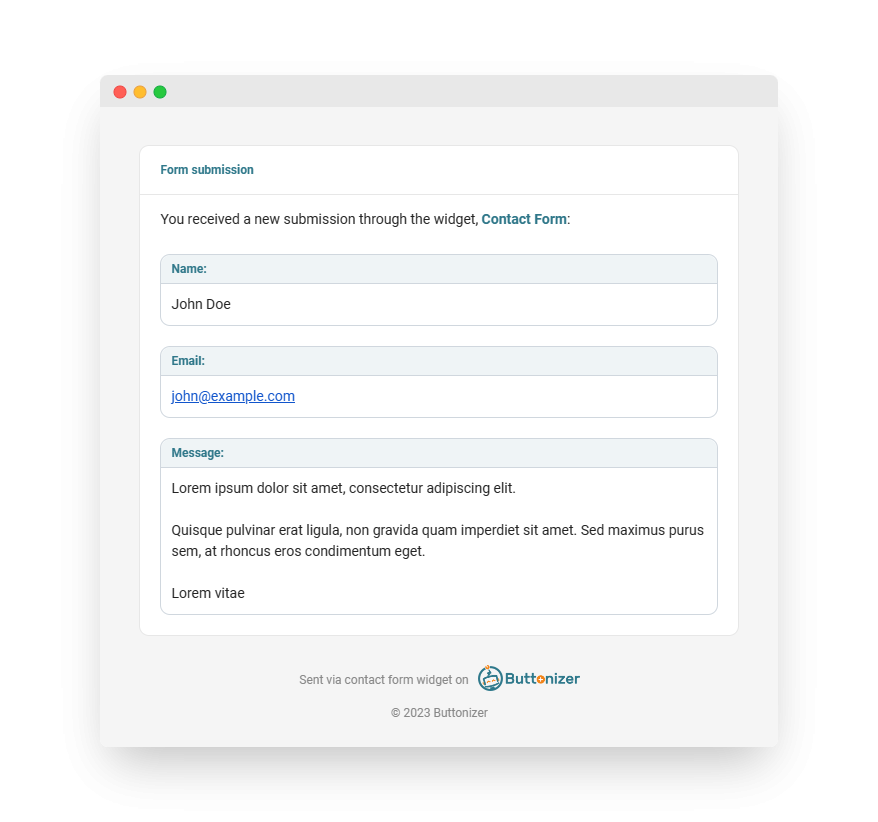
Buttonizer ensures a seamless user experience by providing unbranded email templates for the Contact Form widget. However, if you want to customize the email templates to match your branding or add additional information, you can utilize the custom webhooks feature to create personalized emails.
To set up the Contact Form widget in Buttonizer, simply navigate to the Buttonizer editor and select the button or group where you want to add the form. In the Button Actions section, choose the Contact Form option and start customizing the fields and settings to suit your needs.
Conclusion
By incorporating the Contact Form widget into your website, you can enhance user interaction, improve communication with your visitors, and gather valuable data for your business. Don’t miss out on this powerful feature to streamline your contact process and provide a seamless user experience.
Try Buttonizer on WordPress, Shopify, Wix on your own website!